You need 64-bit Windows 10 or 11 and administrator rights for installation. Choose the version’s file: karta-ergasias-<version>-windows-x64-setup.exe.
- Download it from the project’s release page and open it.
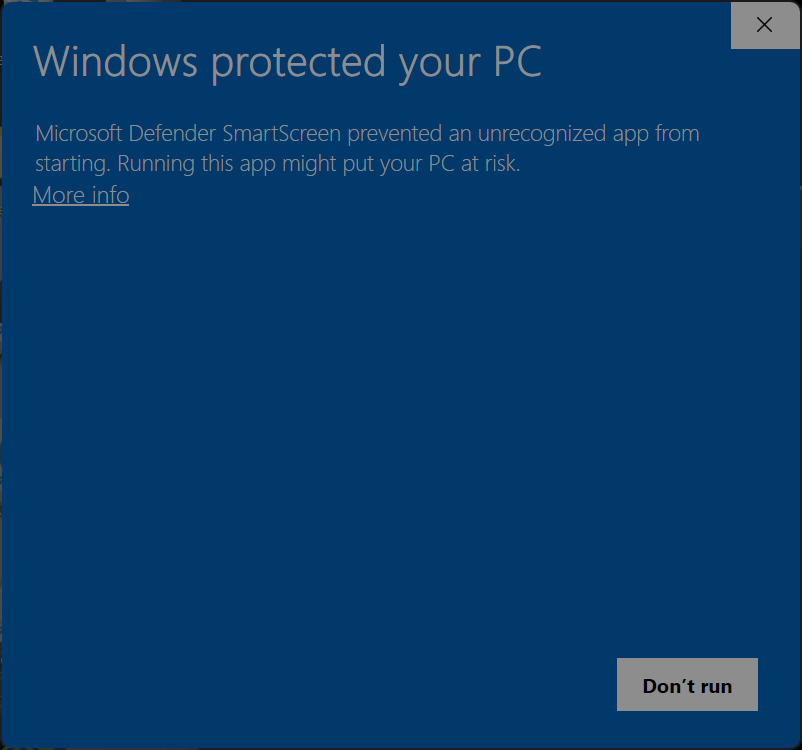
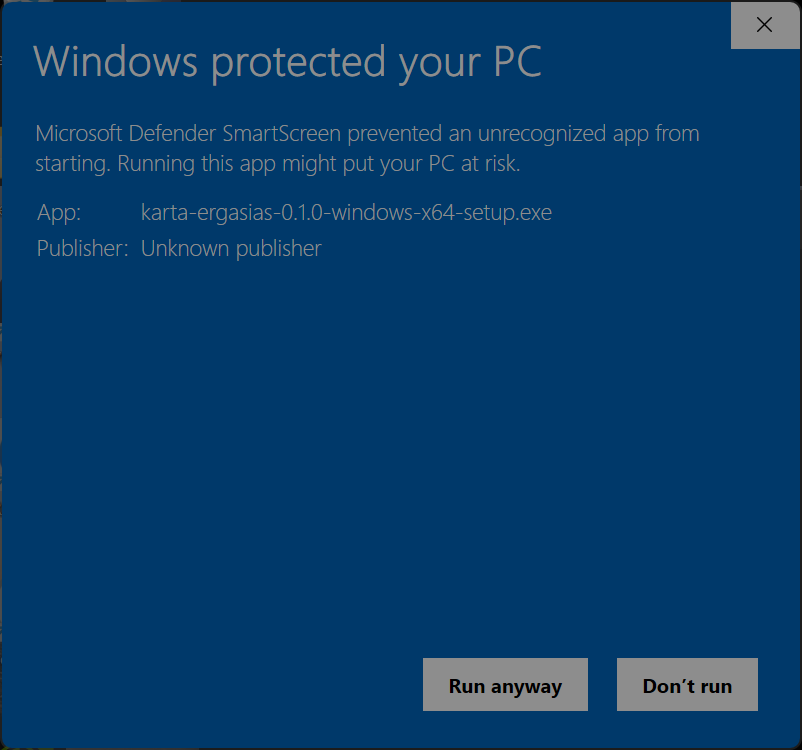
- If “Windows protected your PC” appears, select More info → Run anyway.
- Allow the administrator prompt, then Next → Install → Finish with “Open Work Card” selected.
- Setup opens in your browser at
http://127.0.0.1:8881. Continue with users, PINs and devices.
The program has no paid Microsoft code-signing certificate. Project-signed updates are a separate check; an already installed application does not automatically verify the first installer you download.
Allow phones to reach the page
Settings → Network & Internet → Wi-Fi or Ethernet → the practice’s protected network → Private. The installer opens port 8880 to the local network on private/domain profiles and blocks it on public profiles. A different port needs technical configuration.
The program starts when you sign into Windows. Keep the computer running until staff leave. See updates for Node.js cases and troubleshooting if a phone cannot connect.